WhatsApp Plus Ghost Mode: Read Messages Without Being Seen
Ghost mode is one of the most discussed features in WhatsApp Plus, and one of the most misunderstood. The name suggests invisibility, and the reality is more specific and more useful than the marketing implies.
This guide covers what ghost mode actually does, how to turn it on, what it hides, what it doesn’t, and whether it’s the right tool for what you want.
What Ghost Mode Is
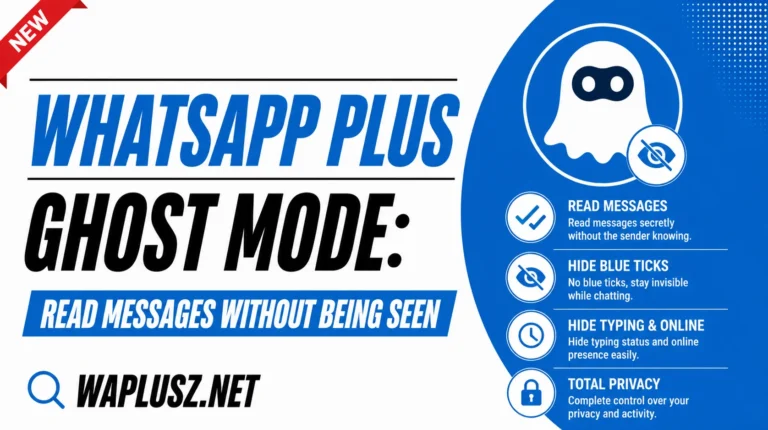
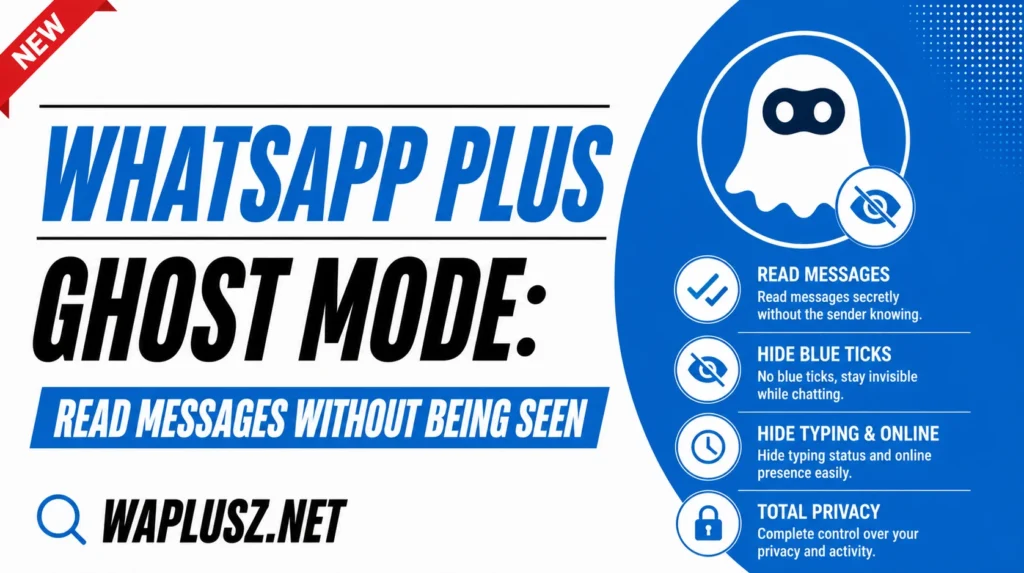
Ghost mode is a single switch that turns on several privacy toggles at once. Instead of digging through a menu and flipping five settings individually, one tap hides your online status, last seen, typing indicator, and blue ticks together.
On builds that support it, the icon sits on the home screen for quick access. Tap to disappear, tap to reappear.
That’s the whole feature. It’s a convenience wrapper around settings that already exist separately, and the convenience is genuinely the point.
What It Hides
| What | Hidden by ghost mode? |
|---|---|
| Online status | Yes |
| Last seen | Yes |
| Typing indicator | Yes |
| Recording indicator | Usually |
| Blue ticks | Yes |
| Status viewing | On some builds |
| Second tick (delivered) | No |
| Your messages | No, obviously |
| You from WhatsApp’s detection | No |
| You from the app itself | No |
The exact bundle differs between builds, which is the main source of confusion. Check what yours actually covers rather than assuming, since two people can mean different things by the same feature name.
How to Turn It On
- Open WhatsApp Plus and look at the home screen for a ghost icon.
- Tap it once to activate.
- Check the indicator confirms it’s on, usually a changed icon.
- Test it by messaging from another number and watching whether ticks turn blue.
- Tap again to switch it off.
If there’s no icon on the home screen, it’s in the three-dot menu or the privacy settings. Some builds label it stealth mode instead.
What It Doesn’t Cover
The single tick and double tick still work. Messages still show as delivered, because delivery isn’t a privacy setting, it’s how the protocol confirms a message arrived. Ghost mode can’t change that and neither can anything else.
So the other person knows their message reached you. They just don’t know whether you read it.
That distinction is where most complaints about the feature come from. People expect total invisibility and get selective invisibility.
Ghost Mode vs Individual Toggles
| Ghost Mode | Individual Settings | |
|---|---|---|
| Speed | One tap | Five separate toggles |
| Precision | All or nothing | Choose exactly what to hide |
| Per-contact rules | No | Yes |
| Best for | Switching often | Setting once and forgetting |
| Reliability | Depends on build | Consistent |
Most people who use the mod seriously set the individual toggles and leave them on permanently. Ghost mode suits people who want to switch, which is a smaller group than the feature’s popularity suggests.
If you’re always in ghost mode, you don’t need ghost mode. You need the individual settings turned on.
When It’s Genuinely Useful
- Reading without committing to reply: Check a message now, answer properly later, without the read receipt creating an obligation.
- Checking in during work: See if anything’s urgent without appearing available.
- Reading a difficult message: Take it in without a blue tick starting a clock.
- Going quiet without announcing it: No “last seen” gap that people notice and ask about.
- Group chats: Following a busy group without every member seeing you’re on it.
That first one is the real use case. The read receipt turns reading into a social obligation, and ghost mode breaks that link.
The Part Worth Thinking About
Blue ticks are reciprocal by design. The person who sent you a message gave you their read receipt to get yours, and ghost mode keeps theirs while withholding yours.
That’s not a moral catastrophe. It is a small asymmetry, and it’s worth being aware you’ve chosen it rather than pretending the feature is neutral.
The typing indicator is different and it’s the one I’d argue is unambiguously good. Hiding it costs the other person nothing and removes a genuine source of pressure. Not every toggle in the bundle is the same kind of thing.
Ghost Mode and Detection
The name creates a specific misunderstanding worth correcting. Ghost mode makes you invisible to your contacts. It does nothing to make you invisible to WhatsApp.
Detection keys on the modified client itself, not on your activity or your visibility settings. You could sit in ghost mode permanently and be exactly as detectable as someone who never touched it.
If you’re hoping ghost mode reduces your ban risk, it doesn’t, by any amount. The full explanation is in the anti-ban guide on WAPLUSOFICIAL.NET.
Common Problems and Fixes
- Ghost Mode Doesn’t Hide Everything
- The bundle differs per build. Check the privacy menu and set the individual toggles for whatever yours misses.
- Blue Ticks Still Turning Blue
- Group chats ignore the setting on some builds. Check whether yours has a separate group toggle.
- It Resets After Restarting
- Some builds don’t persist the toggle across app restarts. Use the individual settings instead if you want it permanent.
- The Icon Isn’t on the Home Screen
- Not every build puts it there. Check the three-dot menu and the privacy settings.
- It Stopped After an Update
- Manual updates reset preferences constantly. Recheck after every install.
- People Still Know I Read It
- The delivered tick still shows. If they messaged and you replied to something specific from that message, the timing gives it away regardless of ticks.
Practical Tips
- Check what your build bundles rather than assuming.
- Use individual toggles if you want it permanent, since ghost mode is built for switching.
- Turn off both last seen and online status, as they’re separate and people miss the second.
- Pair it with hidden notification previews, because a ghost mode setup that shows message text on your lock screen is missing the point.
- Don’t expect it to hide the delivered tick, which nothing can.
- Recheck after every update.
Is It Worth Using?
Ghost mode is a good feature doing an unglamorous job well. It bundles settings that already exist into one tap, and for anyone who switches between visible and invisible during the day, that convenience is real.
Just calibrate your expectations against the name. It hides you from your contacts, selectively, and it doesn’t hide you from the app, from WhatsApp, or from the delivered tick. Within those limits it works exactly as described.
If you want permanent invisibility, skip the bundle and set the individual toggles. That’s the version most long-term users end up with anyway.